


Parcele suas compras
nas melhores bandeiras


Description
SPECIFICATIONS
Internal Storage : 8GB eMMC,16GB eMMC
Built-in Voice Assistant : YES
System update : Yes
BATTERY : NO
Bluetooth : Yes
Builtin Speakers : NO
CPU : ALLWINNER H313
Max. Extended Capacity : TF Card Up to 128GB
Category category : Set Top Box
Certificate : CE,FCC,ROHS
Choice : yes
Power consumption [w] : 5V2A
Remote Controller Included : YES
Remote Control : Included
Video Code : VP8,H.264/AVC,VC2/Dirac,H.265/HEVC,VC1/WMV9,Xvid,DivX,VP9,MPEG-2,MPEG-4
Power : DC 5V, 2A
Ethernet : 1000 M
GOOGLE Cast : Yes
GPU : Mail-G31 MP2
IPTV : Yes
Memory : 2G DDR3
Brand Name : LVMAO
Origin : CN (Origin)
Wi-Fi transmission standard : 802.11ax,802.11ac,802.11n 2.4GHz/5GHz
HDR Standards : HDR10+,HDR10
Weight : 0.35KG
USB Ports : 2x USB 2.0
Hign-Chemical Concern : None
Video Output : HDMI-Compatible 2.0
Max Output : 8K@60Hz
Wireless : Yes
Supported Internet Services : Prime video,NETFLIX,Hulu more info,BROWSER,Vudu is one,NONE,Google tv is one,hulu,YouTube,PANDORA,other,Sat free/view free,Skype: skype,Explore 3d with one
System : Android 13.0-android
Operating System : android tv
Auto Frame Rate : YES
*There are common usage questions at the end of the details page. Please read them patiently to ensure that the machine can be installed and used smoothly.
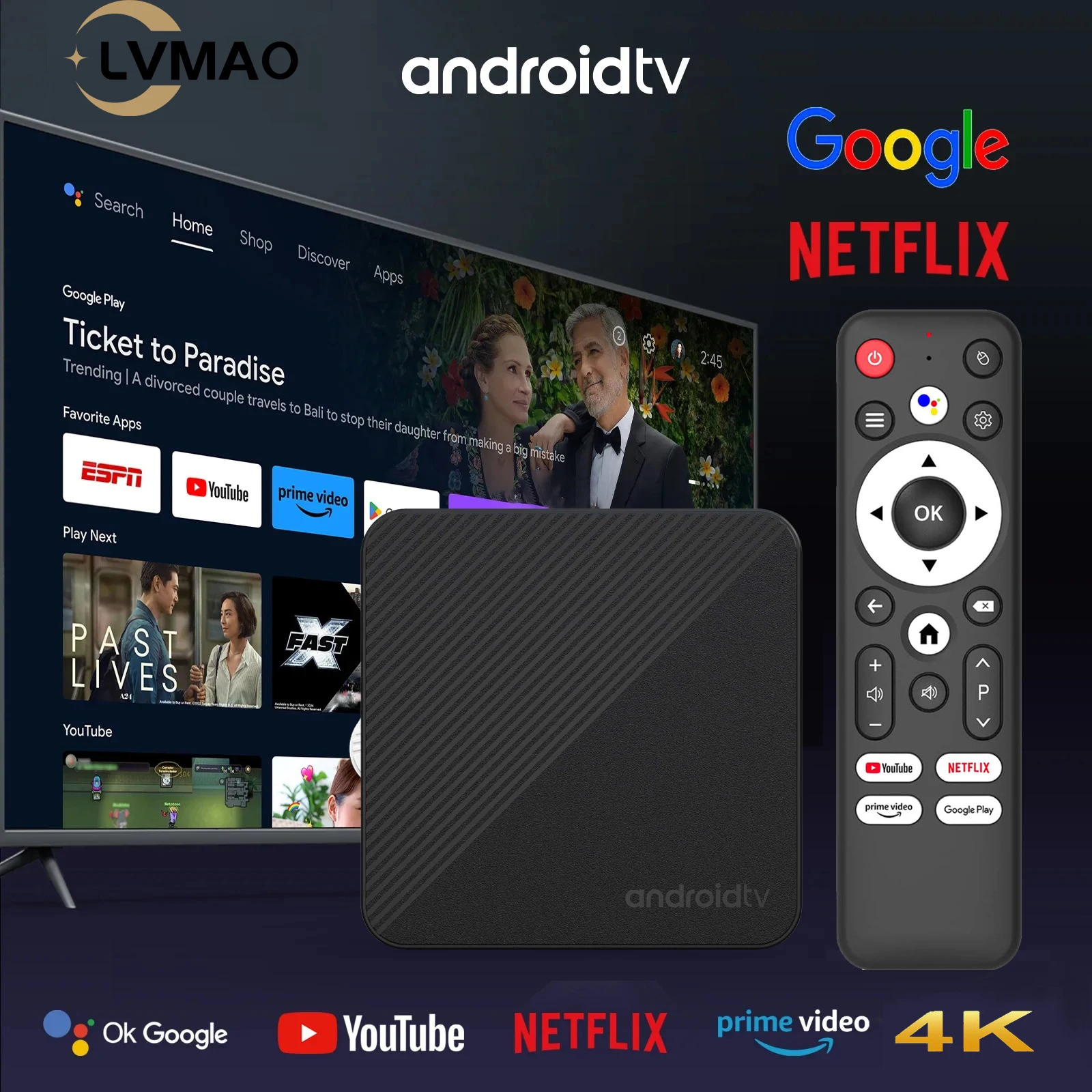
Resources


Equipped with a powerful H313 processor, Mali-G31 GPU
leads the way in image processing. Ensure smooth operation and response. The Android TV box comes with 2GB/16GB flash memory. You can also use an additional 128GB SD card and 128GB TF card to expand the memory to the required capacity. It provides plenty of space to install apps, games, and more.

T1S TV Box adopts sixth-generation WIFI transmission technology ,
Built-in 2.4G/5G dual-band Wi-Fi, the Wi-Fi wireless signal is stronger and more stable, the transmission speed is faster. Dual WiFi technology provides greater network adaptability and flexibility, meeting the needs and requirements of different users and environments. The stable and fast signal ensures a good experience when watching high-definition movies.


Bluetooth 5.0 support
allows Bluetooth devices such as speakers, wireless keyboards, game controllers, etc. to connect to the TV box, which can bring a better experience for you.

Android TV box supports 4K@60fps resolution output.
Support decoding of most formats. You can easily enjoy a cinema-like visual feast at home. Support mobile phone mirroring and casting to share every wonderful moment with your family and friends.


Mirror casting
You can use screen mirroring function by airplay, miracast, DLAN.Perfect for sharing photos, videos, presentations or playing games on a bigger screen.


Hold down the Google Assistant button and say which software you want to open.
you can directly one key NETFLIX, YouTube, Prime Video, Google Play interface.Of course, you can also ask about the weather, etc.


With elegant design and excellent performance,
Our products are warmly welcomed internationally.

Product Dimensions and Interface Introduction


USB 2.0 ports allow you to connect external storage devices
such as USB flash drives or external hard drives to expand storage capacity You can connect a USB drive containing your favorite movies, music or photos to the box and enjoy them on your TV screens. Additionally, USB 2.0 allows you to connect keyboards, mice or game controllers. This improves the user experience by providing additional input options and making navigation easier.
What the product contains
1 * Andriod TV Box
1 * Bluetooth Remote Control
1*HDIM cable
1 * 5V/2A power adapter
1 * User Manual

Kind Tips
How to install T1S TV box?
Step 1: Connect one end of our standard HDMI cable to the HDMI interface of the set-top box and the other end to the HDMI interface of the TV
Step 2: Use our standard power plug to connect the set-top box to power,
Step 3: Open the network settings, connect to the network, and you can browse the Internet normally.
Make sure you connect the HD cable to the TV box first, and then connect the power adapter to the TV box. An incorrect connection can cause problems such as a frozen or distorted screen, or no signal.
How to use Netflix?
Step 1, confirm whether the machine's network is connected;
Step 2, find the black Netflix icon, click enter, click the mouse mode button on the remote control, switch the remote control to mouse mode, click continue to the next step, a pop-up window will appear to enter the account password interface;
Step 3, click the mouse button again to switch the remote control mode back to the remote control mode, enter the account password, log in successfully,
Step 4, click the mouse mode button on the remote control again, switch the remote control mode to mouse mode again, and click the desired source to watch it normally.
If you are facing slow WiFi speed
Please check if your router is WiFi 6 and if it is compatible with WiFi 5. Our box supports WiFi 5 and some WiFi 6 routers only operate in ax mode at 5GHz frequency, without supporting WiFi 5 compatible AC mode. This may result in slower speeds.
Remote control cannot navigate some apps
It is a common problem for most Android TV boxes that it is difficult to navigate some apps with the remote control, as these apps are mainly provided for tablets and phones that have touchscreen or mouse setups. You can connect a wireless mouse or keyboard to control it. Or click the mouse button on the remote control to switch the remote control mode to mouse mode.
If your TV box needs to be reset after a period of use
It may be that some installed applications are not compatible or some data is damaged. It is recommended that you “factory data recovery” in settings.

Secure Payment
Your payment information is processed securely. We do not store credit card details nor have access to your credit card information.